


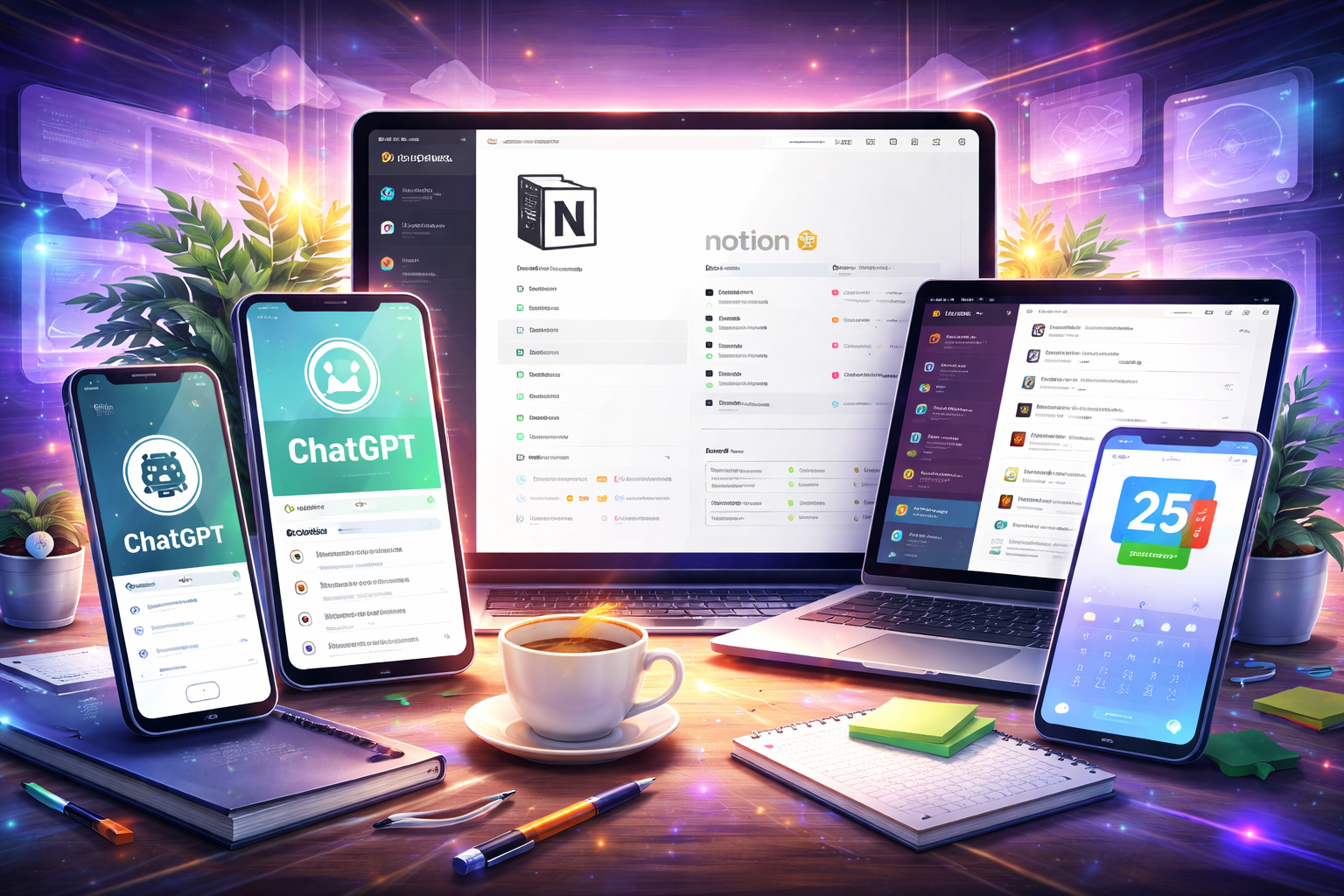
In today’s fast-paced digital world, productivity is everything. Whether you’re a blogger, developer, student, or entrepreneur, staying organized and efficient can make a huge difference in your success.
Thanks to advancements in AI and smart technology, productivity apps in 2026 are more powerful than ever. They not only help you manage tasks but also automate workflows, improve focus, and save valuable time.
In this article, we’ll explore the top 5 must-have productivity apps in 2026 that can transform the way you work.
🔥 Why Productivity Apps Matter in 2026
Before diving into the list, let’s understand why these apps are essential:
- ⏳ Save time by automating repetitive tasks
- 📅 Better task and time management
- 🧠 Improve focus and reduce distractions
- 🤖 Leverage AI for smarter workflows
- 📈 Boost overall efficiency
In short, the right tools can help you do more in less time.
🥇 1. Notion – All-in-One Workspace
Notion continues to dominate as one of the most versatile productivity tools available.
Key Features:
- Notes, tasks, databases, and calendars in one place
- AI-powered writing and summarization
- Customizable dashboards
- Collaboration features for teams
Why It Stands Out:
You can manage your entire workflow—from planning content to tracking projects—inside one app.
👉 Best For: Bloggers, teams, and project management
🤖 2. ChatGPT – AI Productivity Assistant
AI is the future of productivity, and ChatGPT is leading the way.
Key Features:
- Content writing and idea generation
- Coding assistance
- Email drafting and automation
- Problem-solving and research
Why It Stands Out:
It acts like a personal assistant, helping you complete tasks faster and smarter.
👉 Best For: Content creators, developers, and marketers
📋 3. Todoist – Smart Task Manager
Todoist is perfect for organizing daily tasks and staying on track.
Key Features:
- Simple and clean interface
- Task prioritization and reminders
- Productivity tracking
- Cross-platform syncing
Why It Stands Out:
It helps you maintain focus and ensures nothing gets missed.
👉 Best For: Individuals who want a simple yet powerful to-do list
📞 4. Slack – Team Collaboration Tool
Communication is key to productivity, especially for teams.
Key Features:
- Real-time messaging and channels
- Integration with other tools
- File sharing and collaboration
- Workflow automation
Why It Stands Out:
Slack reduces email clutter and keeps team communication organized.
👉 Best For: Teams, startups, and remote workers
📅 5. Google Calendar – Time Management Essential
Managing your time effectively is crucial, and Google Calendar makes it easy.
Key Features:
- Event scheduling and reminders
- Smart suggestions
- Integration with Gmail and other apps
- Shared calendars for teams
Why It Stands Out:
It helps you plan your day efficiently and avoid scheduling conflicts.
👉 Best For: Anyone who wants better time management
⚡ Bonus Tools Worth Trying
While the above five are must-haves, here are some additional tools you can explore:
- Trello – Visual project management
- Evernote – Advanced note organization
- Microsoft OneNote – Free alternative to Evernote
- RescueTime – Tracks how you spend time
🧠 How to Choose the Right Productivity App
Not every app fits everyone. Here’s how to choose the best one:
🔹 For Content Creators:
Use Notion + ChatGPT for writing and planning
🔹 For Task Management:
Todoist or Trello works best
🔹 For Teams:
Slack + Google Calendar is a powerful combo
🔹 For Time Tracking:
RescueTime helps improve focus
🚀 Productivity Trends in 2026
The way we work is changing rapidly. Here are some trends shaping productivity:
- 🤖 AI-powered assistants handling daily tasks
- 🔄 Automation replacing manual workflows
- 📱 All-in-one apps replacing multiple tools
- 🌐 Remote work tools becoming standard
- 🧠 Focus on mental productivity (not just speed)
These trends show that productivity is no longer about working harder—it’s about working smarter.
🏁 Final Thoughts
In 2026, productivity apps are more than just tools—they are essential partners in your daily workflow. Whether you’re managing tasks, collaborating with a team, or creating content, the right apps can significantly boost your efficiency.
The best strategy is to combine a few powerful tools instead of relying on just one. For example:
👉 Notion + ChatGPT + Google Calendar = Complete productivity system
Start small, experiment with these apps, and build a system that works best for you.